
Free editor
Create unlimited projects and export up to 720p with a Made with Animator watermark.
Animator is designed for desktop Google Chrome or Microsoft Edge. Your browser may have limited editing, AI or export support, but you can continue and try the workspace.
Compare animation software
Choose the workflow that fits your projects. These comparisons cover pricing, AI, browser access, privacy, editing, assets and export conditions using dated official sources.
Whiteboard and broader animation tools
Pricing and features checked against vendor pages
Each comparison records when it was checked
 Software comparison
Compare a browser-first AI whiteboard editor with a traditional doodle-animation workflow, including pricing, project storage, assets, timeline control and export quality.
Read the guide Software comparison
Compare Local AI and detailed browser-timeline editing with a cloud-first prompt-to-doodle workflow, including credits, privacy, pricing and output control.
Read the guide Software comparison
Compare an AI-assisted browser lesson builder with a mature whiteboard-animation platform available through web and downloaded applications.
Read the guide Software comparison
Compare a focused AI whiteboard lesson editor with a broad online platform for animated presentations, business videos and AI-assisted content.
Read the guide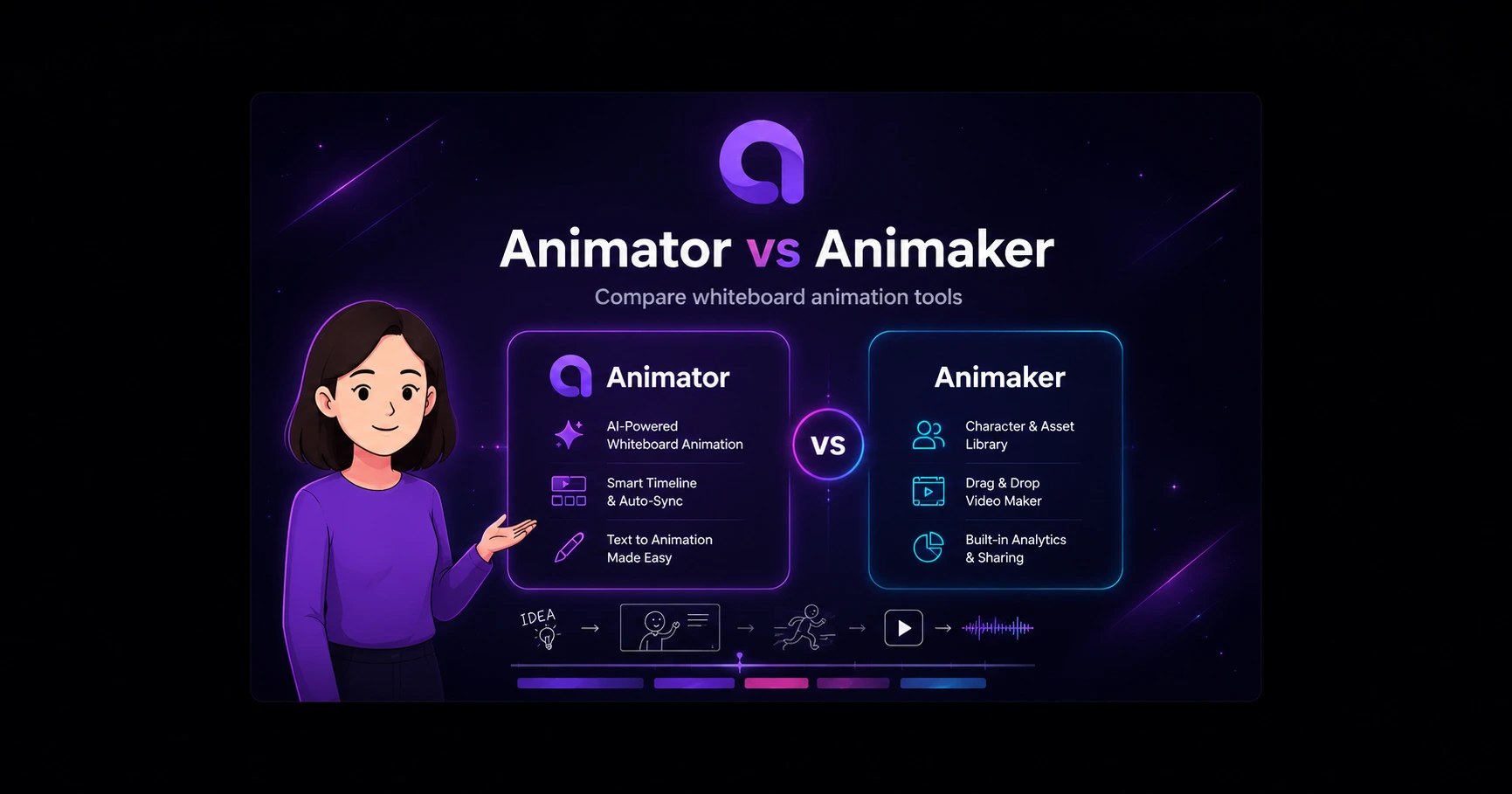 Software comparison
Compare a focused browser whiteboard editor with a broad AI animation suite offering character creation, templates, stock media and multiple video formats.
Read the guideCreate unlimited projects and export up to 720p with a Made with Animator watermark.
Run supported storyboarding models on suitable user hardware without consuming hosted credits.
Work in the latest supported desktop Chrome or Microsoft Edge without a conventional application installer.
Normal projects stay in the selected browser workspace by default.
Move, trim, layer and replace generated visuals, narration, captions and audio.
Local AI and browser-local projects are distinguished from optional hosted generation services.
Animator publishes these pages, so they naturally explain Animator’s strengths. To keep them useful, every page also identifies competitor strengths, Animator limitations, official sources and a review date.
Software companies frequently localise prices or run temporary promotions. The page records the reviewed official source and separates standard recurring pricing from limited offers.
No. Compatible Local AI can run supported tasks on the user’s device, while Animator AI, BYOK and optional hosted image generation use their configured cloud services.
Doodly, InstaDoodle and VideoScribe are the closest whiteboard-specific comparisons. Powtoon and Animaker are broader animation suites.
Open Animator Free, build a short lesson and decide whether the browser timeline fits the way you create.
Start creating free