
Plan lessons
Turn a topic or script into a structured explanation with a clear learning outcome.
Animator is designed for desktop Google Chrome or Microsoft Edge. Your browser may have limited editing, AI or export support, but you can continue and try the workspace.
Animator use cases
Plan, edit and export visual lessons for course marketplaces, video channels and online schools without giving up control of the final timeline.
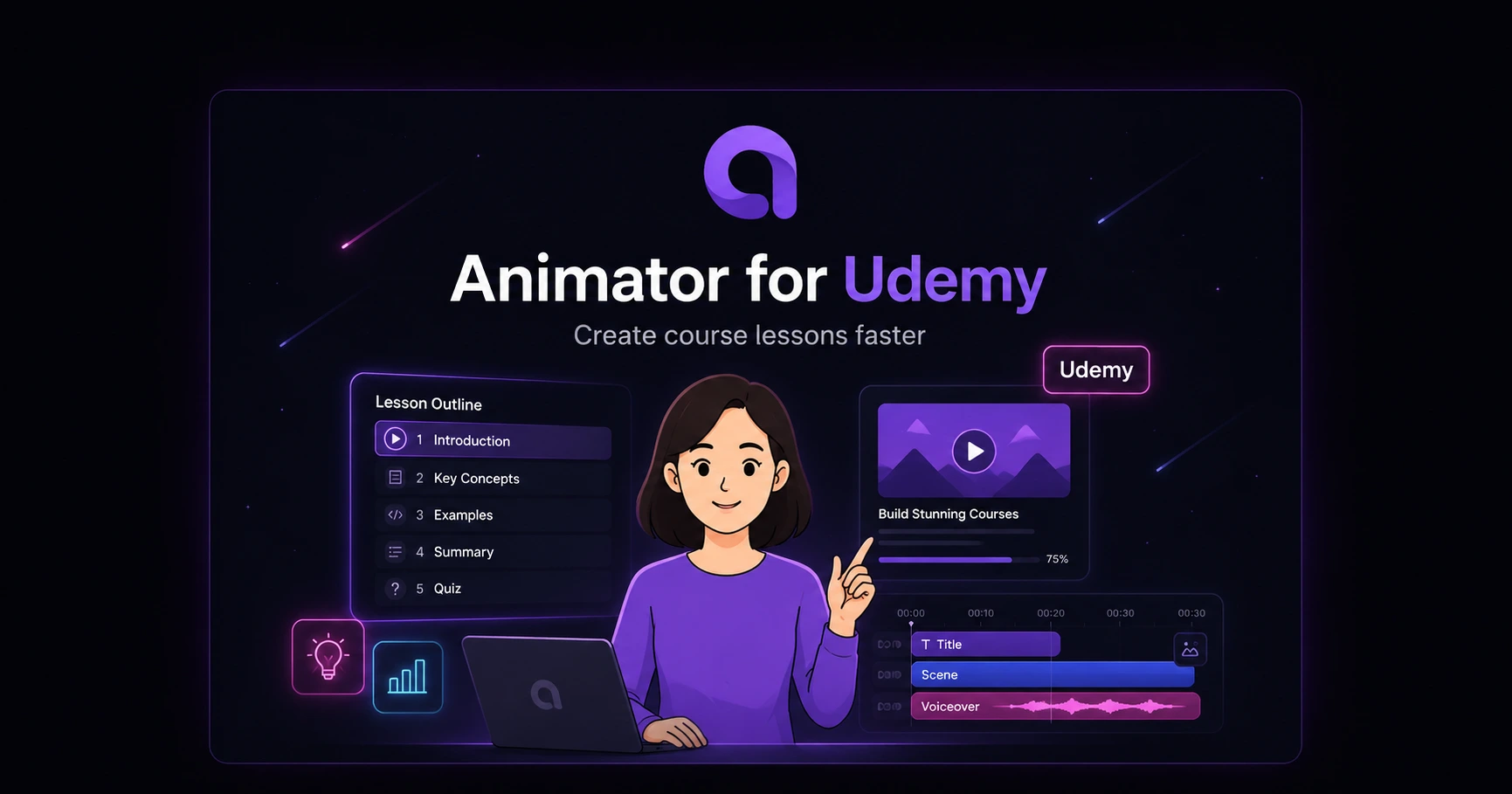
Turn a course outline into clear, editable visual lectures with AI storyboarding, handwriting, talking characters, voiceovers and platform-ready landscape video.
See the production guide →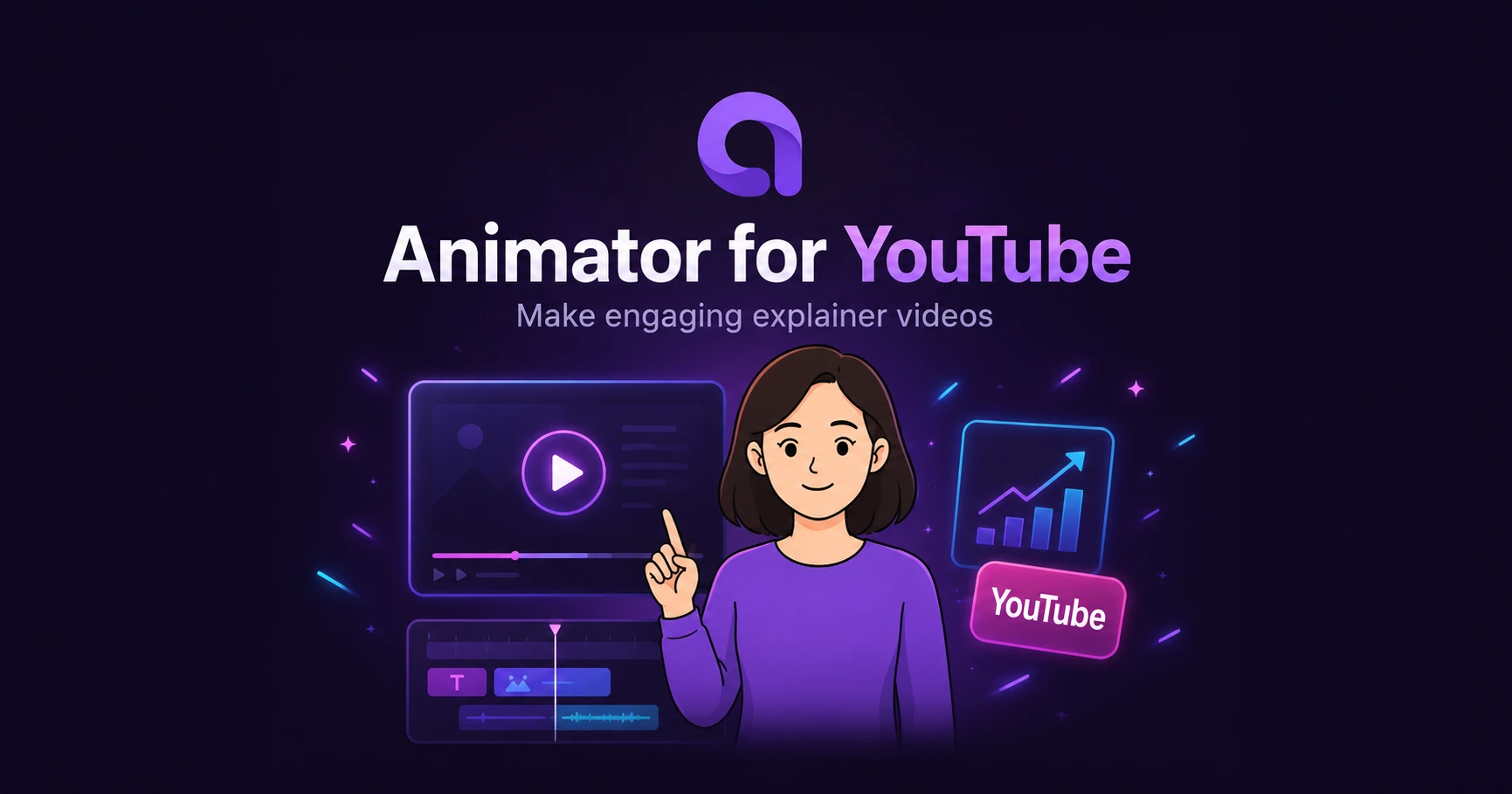
Build educational explainers, faceless lessons and product walkthroughs with AI storyboards, visual beats, talking presenters and a complete browser timeline.
See the production guide →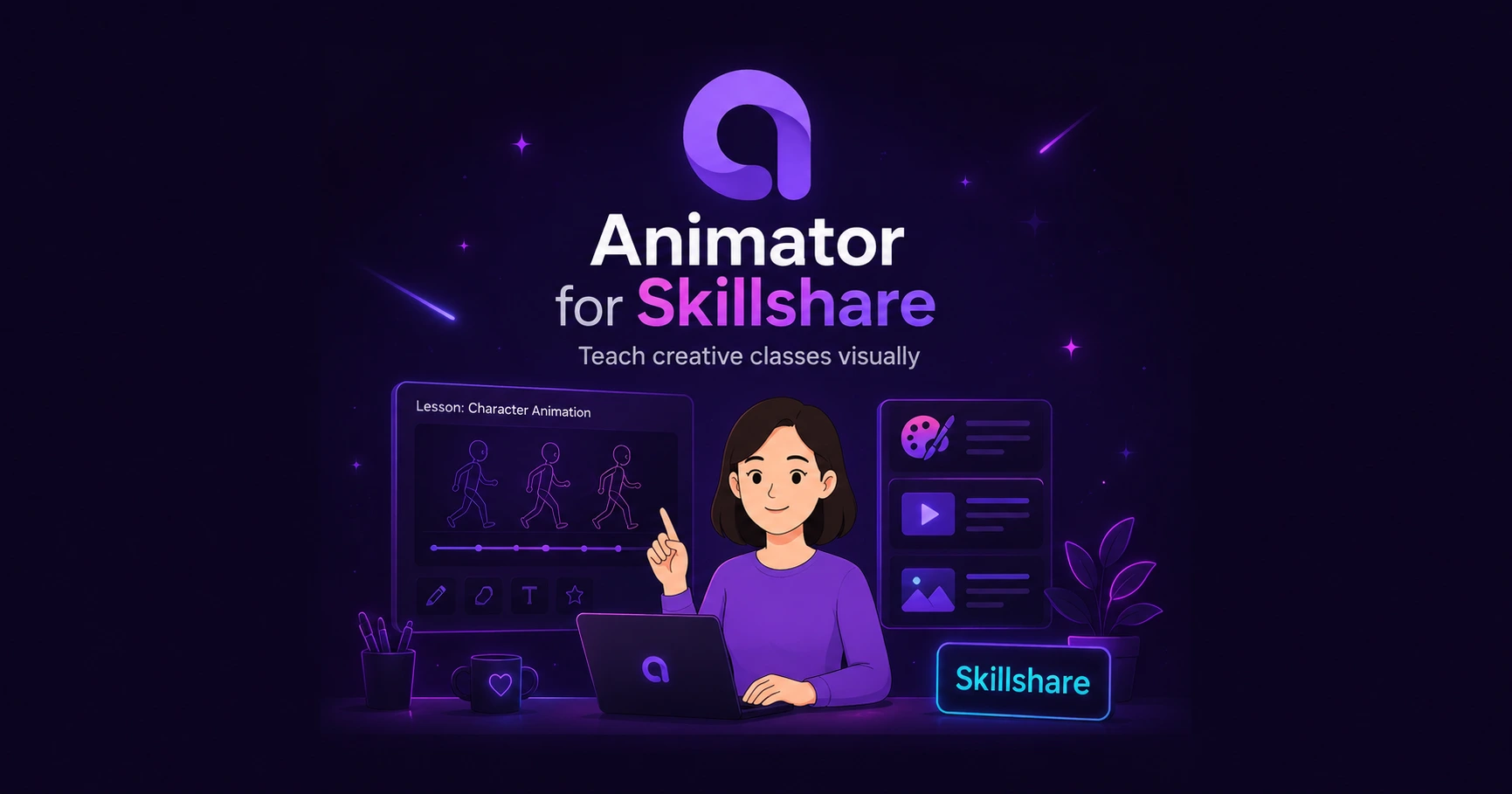
Turn a class idea and student project into a series of short visual lessons with AI planning, whiteboard demonstrations, narration and reusable lesson templates.
See the production guide →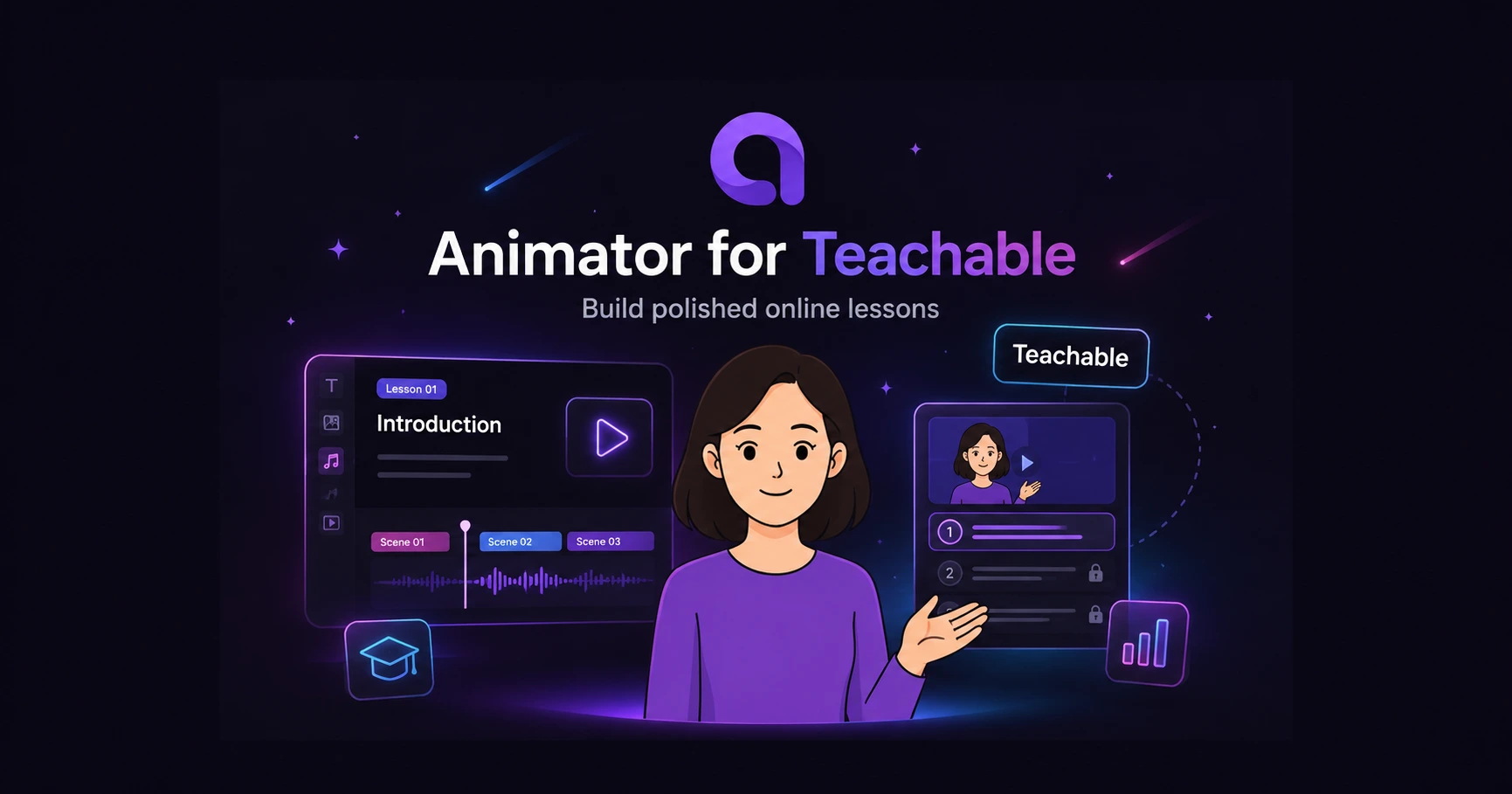
Produce modular whiteboard lectures, course welcome videos and student onboarding content that can be exported and uploaded to a Teachable curriculum.
See the production guide →Turn a topic or script into a structured explanation with a clear learning outcome.
Use drawings, diagrams, screenshots, code visuals and presenter segments where they add clarity.
Move, trim and replace individual visual, narration, caption and audio elements.
Use compatible Local AI for supported tasks or optional hosted generation when appropriate.
A useful whiteboard lesson does not simply display every narrated sentence as text. It introduces a concept, reveals the important relationship and changes the visual when the explanation moves forward.
Animator combines the simplicity of a whiteboard with normal timeline editing. That makes it possible to use handwriting for a key idea, a diagram for a mechanism, code for a worked example and a presenter for context within the same lesson.
Animator Free includes unlimited projects, Local AI on compatible hardware and export up to 720p with a Made with Animator watermark. It is suitable for testing a workflow, internal drafts and platforms whose minimum requirement is 720p.
Animator Pro is currently available for a one-time payment of $29 USD as a lifetime launch offer. It includes Pro assets, 150 AnimatorAI™ Credits, Full HD 1920 × 1080 video export, and watermark-free exports.
No direct platform integration is claimed. Create and export the video in Animator, then upload it through the platform’s normal creator tools.
Yes. Use narration, whiteboard visuals, imported media and optional talking characters instead of appearing on camera.
Usually not. Separate lesson projects or carefully organised module templates are easier to update, export and back up.
No. Compatible Local AI runs supported tasks on the device. AnimatorAI, BYOK and optional hosted image generation use their configured cloud services.
Choose a topic, build a short visual explanation and test the export workflow before producing a complete course.
Open Workspace