Software comparison

Animator vs Doodly

Compare a browser-first AI whiteboard editor with a traditional doodle-animation workflow, including pricing, project storage, assets, timeline control and export quality.

Pricing and features reviewed 16 July 2026

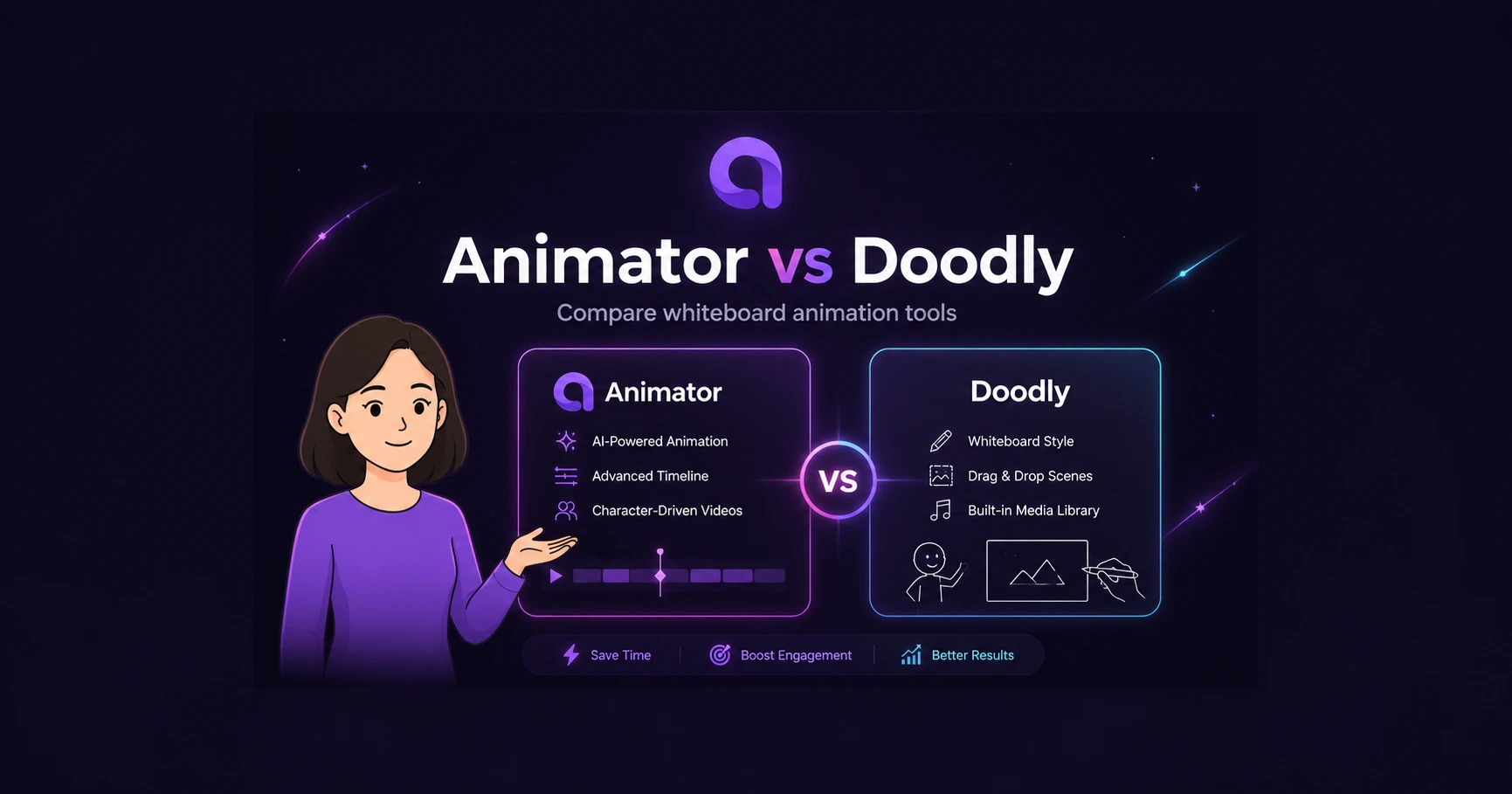
Illustrated Animator and Doodly comparison showing whiteboard-animation features side by side.
Quick verdict

Animator is the stronger fit for creators who want a free browser editor, compatible Local AI and detailed timeline control. Doodly remains attractive to users who prefer an established desktop doodle workflow and a large conventional character and prop library.

Animator

  • Start with a permanent free editor instead of committing to a paid plan before testing the workflow.
  • Use compatible Local AI on your own computer for storyboarding without consuming hosted credits.
  • Edit generated results in a full multi-track timeline with visual, narration, caption and audio elements.
  • Keep projects in the selected browser workspace by default and export 720p on Free or 1080p on Pro.

Doodly

  • You prefer a conventional installed application built specifically around classic doodle scenes.
  • A large established collection of character images, prop images, music tracks and scene templates is the main priority.
  • You already use the wider Voomly product ecosystem and want its bundled tools and cloud services.

Animator and Doodly at a glance

Animator and Doodly can both create hand-drawn explainer videos, but their workflows begin from different assumptions. Animator combines AI-assisted lesson planning, a talking-character system, whiteboard handwriting and a multi-track timeline inside a browser workspace. Doodly is centred on selecting doodle assets and arranging traditional scenes in a desktop application.

The practical choice depends on whether you value AI-assisted planning and granular editing or a mature library-led doodle workflow. Neither product is automatically better for every creator, so this comparison separates cost, editing, privacy, assets and export conditions.

Feature and pricing comparison

Animator and Doodly feature comparison
FeatureAnimatorDoodly
Free accessAlways verify the current Doodly offer before purchasing.Yes — permanent Free planStandard pricing is subscription-based; promotions may vary
Primary workspaceBrowser-based editorInstalled desktop application and Voomly services
Local AIYes, on compatible supported hardwareNo Local AI feature confirmed in official product information
AI storyboardingYesNot a primary advertised workflow
Project storageSelected browser workspace by defaultProduct and Voomly cloud workflow varies by plan
Timeline editingFull multi-track timelineScene-based doodle editor
Talking charactersYes, with lip sync and expressionsTraditional doodle characters and assets
Asset libraryFree and Pro images, templates, Lottie and custom importsLarge character, prop, music and scene library
Free exportUp to 720p with Animator watermarkNo permanent free plan confirmed on the standard pricing page
Paid exportFull HD 1920×1080 without watermarkPlan and export options should be verified with Doodly
Pricing model$29 USD lifetime launch offer for Pro$49/month Standard or $79/month Enterprise on the standard pricing page

Frequently asked questions

Is Animator a free alternative to Doodly?

Animator has a permanent Free plan with the timeline editor, Local AI on compatible hardware and up to 720p watermarked export. It can be evaluated without purchasing Pro.

Does Animator require installation?

Animator is browser-first and runs in the latest supported desktop Chrome or Microsoft Edge. Optional Local AI models are installed through Animator’s own model workflow rather than a conventional desktop application installer.

Can Doodly projects be opened directly in Animator?

No direct proprietary Doodly project-file importer is currently promised. Exported media can be imported into Animator as normal image, audio or video assets where the format is supported.

Which product has more traditional doodle assets?

Doodly publicly lists a large established character and prop library. Animator offers free and Pro assets, Lottie animation, imported media and AI-assisted teaching visuals, but the catalogue focus is different.

Which tool is better for course videos?

Animator is designed around narration, visual beats, captions, talking characters and detailed timeline editing. Doodly may suit course creators who want a simpler traditional doodle style and primarily use built-in assets.

Official sources

Facts were checked against the official sources below on 16 July 2026. Pricing and product features can change.

Animator is not affiliated with, endorsed by or sponsored by Doodly. Product names and trademarks belong to their respective owners. Pricing and features were checked against publicly available official information and may change.

Related comparisons

Build a real test project

Open Animator Free and compare the editing experience with Doodly using your own topic or script.

Open Workspace