Software comparison

Animator vs VideoScribe

Compare an AI-assisted browser lesson builder with a mature whiteboard-animation platform available through web and downloaded applications.

Pricing and features reviewed 30 July 2026
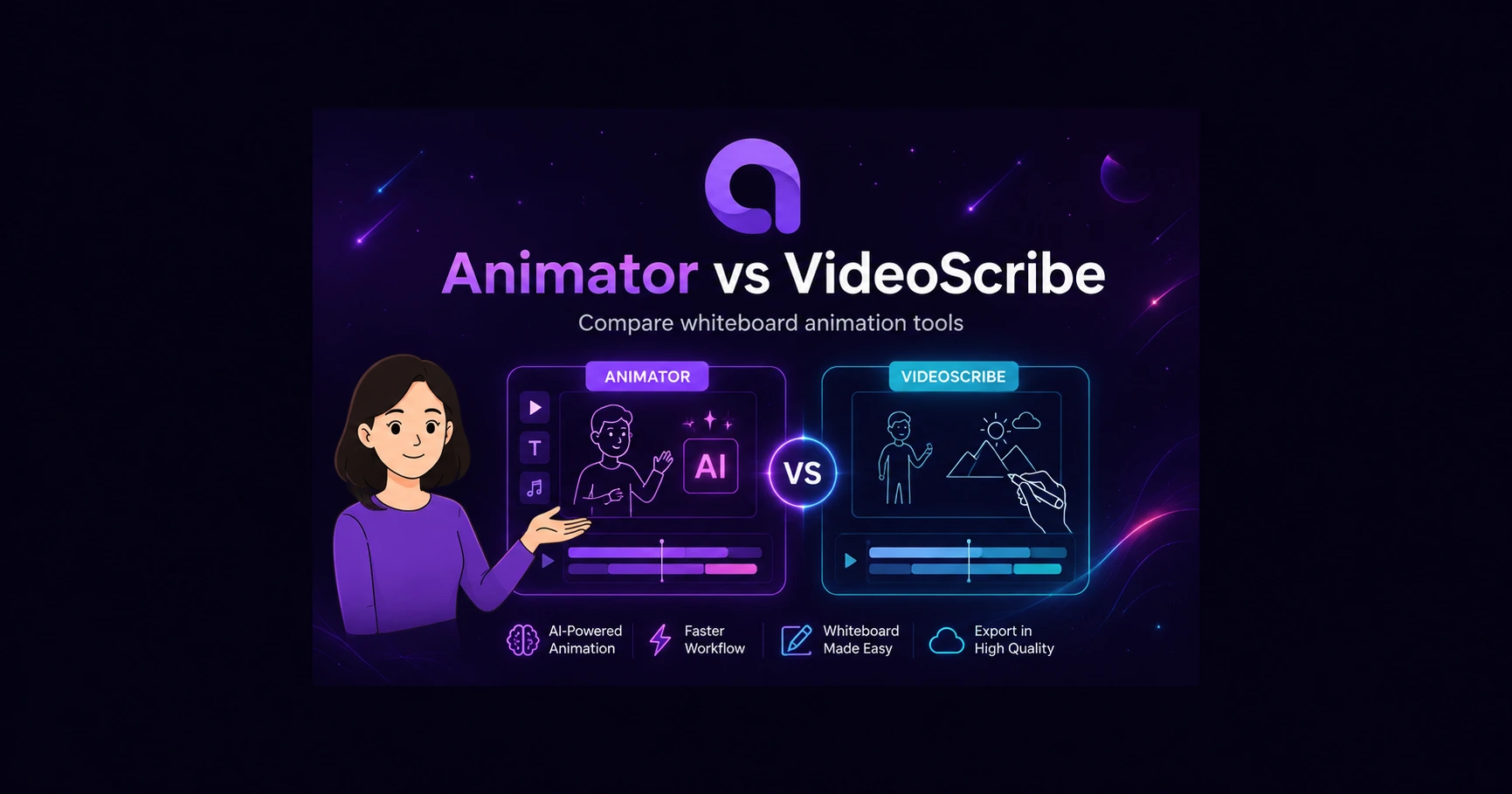
Illustrated Animator and VideoScribe comparison with a presenter and whiteboard drawing tools.

Research checked 2026-07-30. Prices and product features can change, so purchase-critical details should still be verified with the official sources.

Quick verdict

Animator is a strong choice for creators who want a permanent Free plan, compatible Local AI, talking characters and a full timeline. VideoScribe is compelling for users who want a mature traditional scribe workflow, established assets and both web and downloaded application access.

Animator

  • Use a permanent Free editor rather than a time-limited trial.
  • Run compatible Local AI and keep projects in the browser workspace by default.
  • Combine whiteboard drawing with talking characters and a multi-track timeline.
  • Buy Pro through a one-time launch offer rather than a recurring subscription.
VideoScribe

  • You prefer a mature established whiteboard-animation product with a large image library.
  • You want the choice of a web editor and downloadable desktop application.
  • Plan-based templates, exports and education-oriented resources match your existing workflow.

At a Glance

VideoScribe is one of the best-known whiteboard-animation products and now includes AI-assisted script, image and voice generation. Animator approaches the category from a browser-first timeline editor that also includes talking characters, Local AI and imported animation assets.

Both products can create educational explainers. The main differences are free access, local processing, application delivery, timeline structure and how much control remains after an AI-assisted draft has been created.

Feature and pricing comparison

Animator and VideoScribe feature comparison
FeatureAnimatorVideoScribe
Free accessPermanent Free planSeven-day free trial
Browser editorYesYes
Downloaded applicationNo conventional desktop appYes
Local AIYes, on compatible hardwareNo Local AI workflow confirmed
AI script/image/voiceAnimator AI, Local AI and voice workflowsOfficially advertises AI script, image and voice generation
Talking charactersYes, lip-synced presentersTraditional scribe and animated assets
TimelineFull multi-track timelineTimeline and scene editing
Free outputUp to 720p with watermarkTrial output is limited and watermarked
Paid outputFull HD 1080p and 4K without watermarkPlan-dependent HD downloads and limits
Pricing$29 USD lifetime launch offerRecurring subscription; localised pricing may vary

Frequently asked questions

Is Animator a free VideoScribe alternative?

Animator has a permanent Free plan. VideoScribe provides a seven-day trial before requiring a subscription.

Can both products run in a browser?

Yes. Animator is browser-first, while VideoScribe provides both web and downloadable application options.

Which product includes Local AI?

Animator offers compatible Local AI on supported hardware. VideoScribe advertises AI generation, but not an equivalent local model workflow.

Which is better for a classic drawing-hand style?

VideoScribe is strongly focused on the traditional scribe aesthetic. Animator can create handwriting and whiteboard lessons while also combining presenters, Lottie and imported media.

Which is better for editable course lessons?

Animator’s multi-track timeline and presenter/narration system are designed for detailed lesson editing. VideoScribe can be preferable when the course consistently uses a classic scribe format.

Official sources

Facts were checked against the official sources below on 30 July 2026. Pricing and product features can change.

Try a Real Project

Feature lists cannot show whether an editor feels natural. Build the same short project in Animator and VideoScribe, then compare how long it takes to revise narration, replace a visual and export the final result.

Use the official sources and review date below to verify any purchase-critical detail before committing to a paid plan.

Animator is not affiliated with, endorsed by or sponsored by VideoScribe. Product names and trademarks belong to their respective owners. Pricing and features were checked against publicly available official information and may change.

More Comparisons

Build a real test project

Open Animator Free and compare the editing experience with VideoScribe using your own topic or script.

Start creating free