
Product education template
Software Tutorial Template
Combine screen recording, narration and focused callouts to teach one software task without overwhelming the viewer.
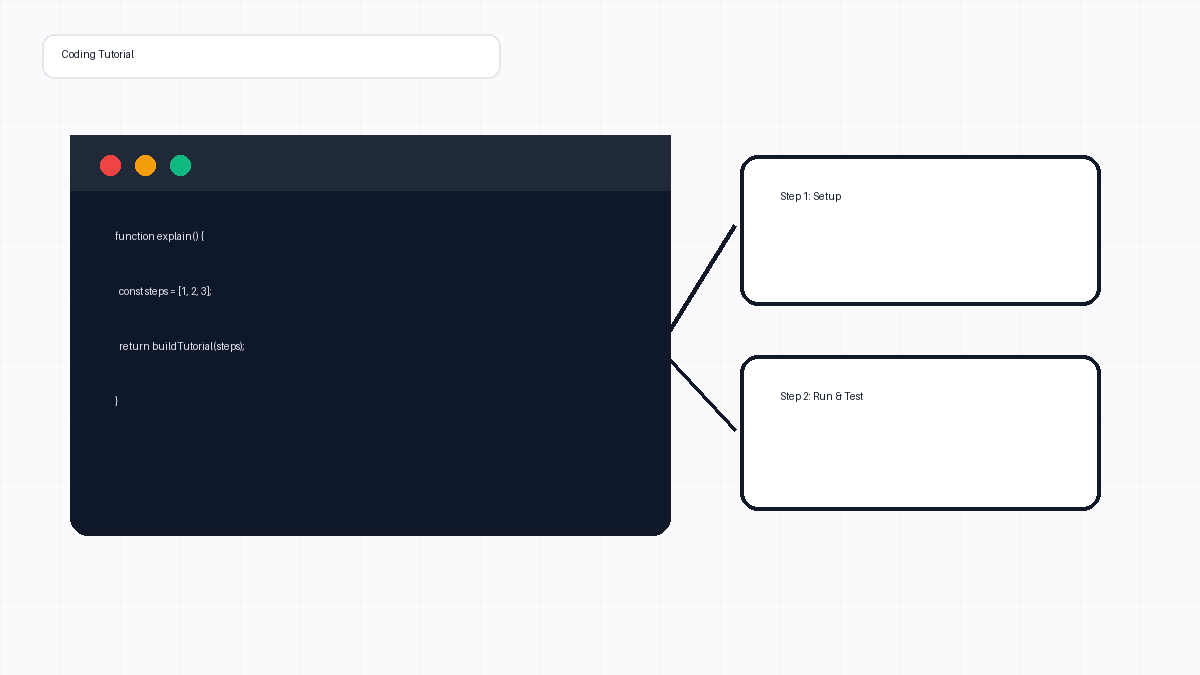
- Recommended length
- 2–6 minutes
- Core scenes
- 4
- Final project
- Editable
Adjust to the complexity of the subject
A practical starting sequence
Change every visual, voice clip and timing choice
Production structure
Scene plan
Designed for software teams, support teams and technical educators, this sequence keeps the story focused while leaving room for your own examples and visual style.
- 01
Task outcome
Show the finished result before beginning the steps.
- 02
Setup
Identify the page, tool or prerequisite the viewer needs.
- 03
Recorded steps
Demonstrate one action at a time with zooms and callouts.
- 04
Verification
Show how the viewer can confirm the task worked.
Voiceover example
A useful opening line
“In this tutorial, you will complete one task from start to finish and see how to verify the result.”
Animator workflow
Features used
- Screen recording
- Microphone and captured audio
- Callouts and zooms
- Editable clip timing
Frequently asked questions
Can I edit the recording after capture?
Yes. The recording is imported into the Media Library and can be trimmed and combined with other clips.
Can I add captions?
Yes. Add captions on a separate track and adjust them with the narration.
Use this template structure
Open the browser workspace and adapt the scene plan to your own topic, voice and visuals.
Start creating free