Browser-first - No installation

AI whiteboard animator

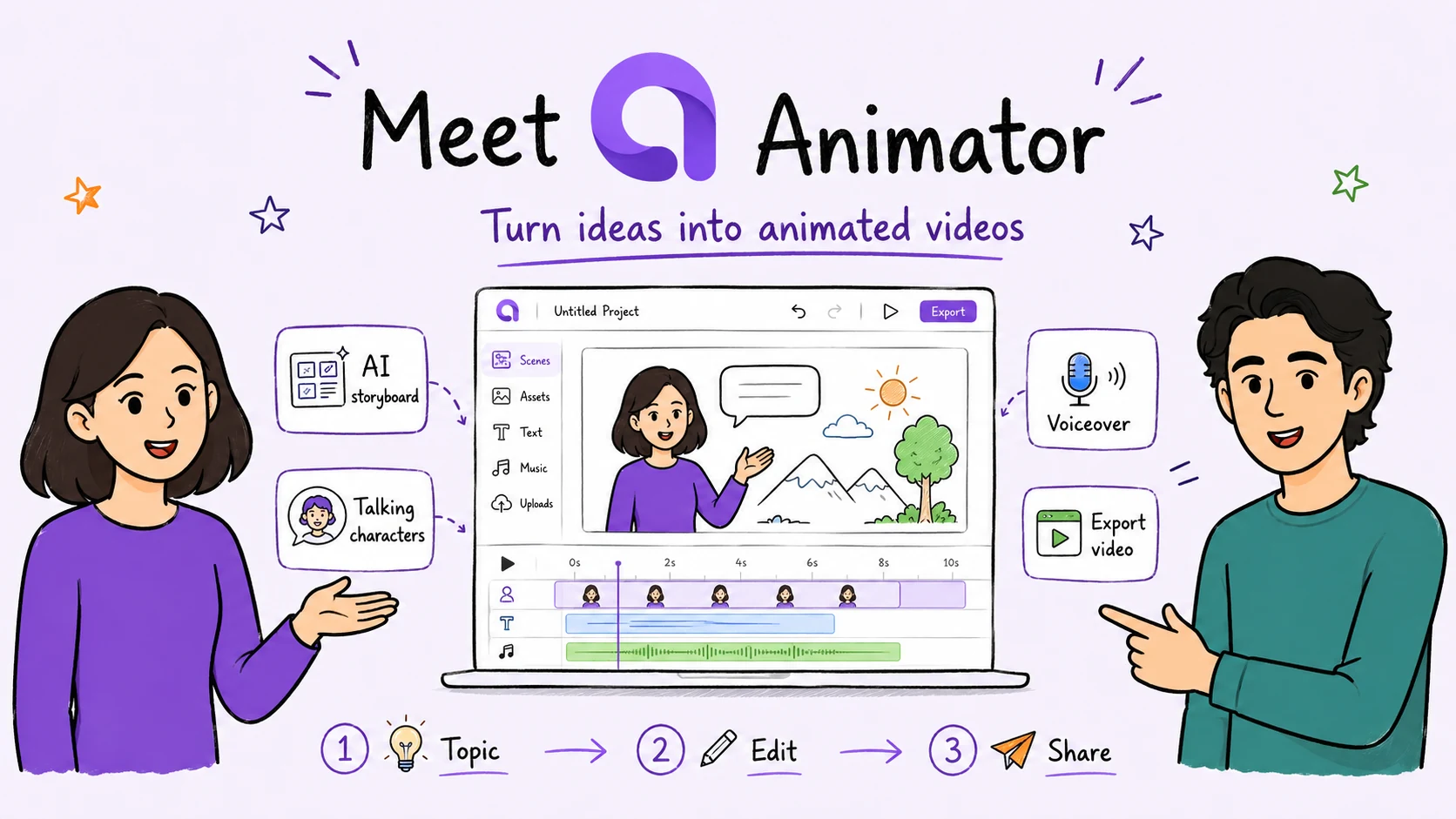
Create beautiful whiteboard animations from any topic or script with AI storyboarding, talking characters, natural voiceovers, visual assets and a complete browser-based timeline.

Free to use · Unlimited projects · No login

example.invalid/editor
Anny talking character on the whiteboard canvas
Animate your ideas in seconds!
Scene 2 · Voice + visual
Timeline
00:18 / 01:04
VisualVoice
AI storyboard
Talking characters
Timeline editing
Local AI
720p Free export
Free to start

Prompt to timeline

From a topic to animations

Start with a short prompt or a complete script. Animator builds the first draft, then places every scene, voice clip, visual and character into an editable timeline.

1 · Start with an idea

Introduce a new product: Animator

Smart lessonAbout 1 min

2 · Editable result

Animator product-story whiteboard illustration

A presenter-led Animator product story with AI storyboarding, talking characters, voiceover and an editable timeline.

Visual
Voice
Captions

One connected workspace

Everything you need to make the idea clear

Start with AI, keep every part editable, and finish the animation in the same browser workspace.

AnimatorAI™

Plan the explanation before building the scenes

AnimatorAI™ turns a topic or script into narration, visual beats, teaching images and a timed first draft.

Animator workspace

Prompt

Lesson outline

Visual beats

Editable timeline

Talking Characters

Add a presenter without recording yourself

Choose a character, write the script, preview the voice and place the presenter directly on the canvas.

Character selection

Demo script

Let’s make this idea easier to understand.
Anny · Free
Anny presenter on the Animator canvasAnny selected

Timeline Editor

Timeline-based editing

Move, trim, duplicate and layer every scene, voice clip and animation. Add tracks above or below the timeline and change the result without starting again.

Lesson timeline

Drag clips, scrub or play the editable sequence.

00:18 / 01:04
Visual
Character
Voice
Captions

Free and Pro

Create for free, forever!

Start with unlimited projects, timeline editing, Local AI and up to 720p HD export. Upgrade to Pro for Full HD 1920×1080 export, premium assets, AnimatorAI™ and clean videos without the Free watermark.

Free

$0

Free forever

Start creating free
  • Create unlimited videos
  • Complete timeline editor
  • Free talking characters
  • Free Lottie animations
  • Free templates and image assets
  • Local AI Engine
  • Up to 720p HD video export
  • Includes “Made with Animator” watermark
Best value

Pro

$29one-time

Lifetime launch offer

Buy now
  • Everything in Free
  • Pro talking characters
  • Pro Lottie animations
  • Pro templates and image assets
  • AnimatorAI™ Engine
  • 150 AnimatorAI™ Credits
  • Local AI Engine
  • Full HD 1920×1080 video export
  • No export watermark
  • Free product updates
  • Support included

Each licence key delivers 150 AnimatorAI™ Credits for AI-powered animations. Pro users can also add their own OpenAI API key.

One-time price is available for a limited period only.

Creator workflows

Create animated lessons for your platform

Practical guides for course and video platforms.

View all use cases

Questions

A few things to know before you start

Animator is free to start, keeps generated scenes editable and works best in a supported desktop browser.

Read the user guide
Is Animator free?
Yes. The Free plan includes unlimited projects, timeline editing, Local AI where supported and exports up to 720p HD with a small Animator watermark.
Does Pro remove the watermark?
Yes. Animator Pro removes the Free watermark and unlocks Full HD 1920×1080 export, premium assets and AnimatorAI™ Credits.
What are AnimatorAI™ Credits?
AnimatorAI™ Credits are used for hosted AI generation. Local AI runs on a compatible desktop browser and does not use hosted credits.
Which browser and device should I use?
Use a current desktop version of Chrome or Microsoft Edge for the complete workspace, including Local AI and the browser-based editor.
Can I edit an AI-generated result?
Yes. Generated scenes, narration, characters, visuals, captions and timing stay editable on the timeline.
Can I use my own media?
Yes. Import images, audio, video, SVG and Lottie assets, then combine them with Animator characters, narration and timeline elements.
Your idea is ready.

Make your next idea easier to watch

Create the first draft with AI, then shape every scene in the timeline.

Open Workspace

Open Animator on a desktop or laptop using Chrome or Microsoft Edge.