Free
Free forever
Start creating free- Create unlimited videos
- Complete timeline editor
- Free talking characters
- Free Lottie animations
- Free templates and image assets
- Local AI Engine
- Up to 720p HD video export
- Includes “Made with Animator” watermark
Animator is designed for desktop Google Chrome or Microsoft Edge. Your browser may have limited editing, AI or export support, but you can continue and try the workspace.
Browser-first - No installation
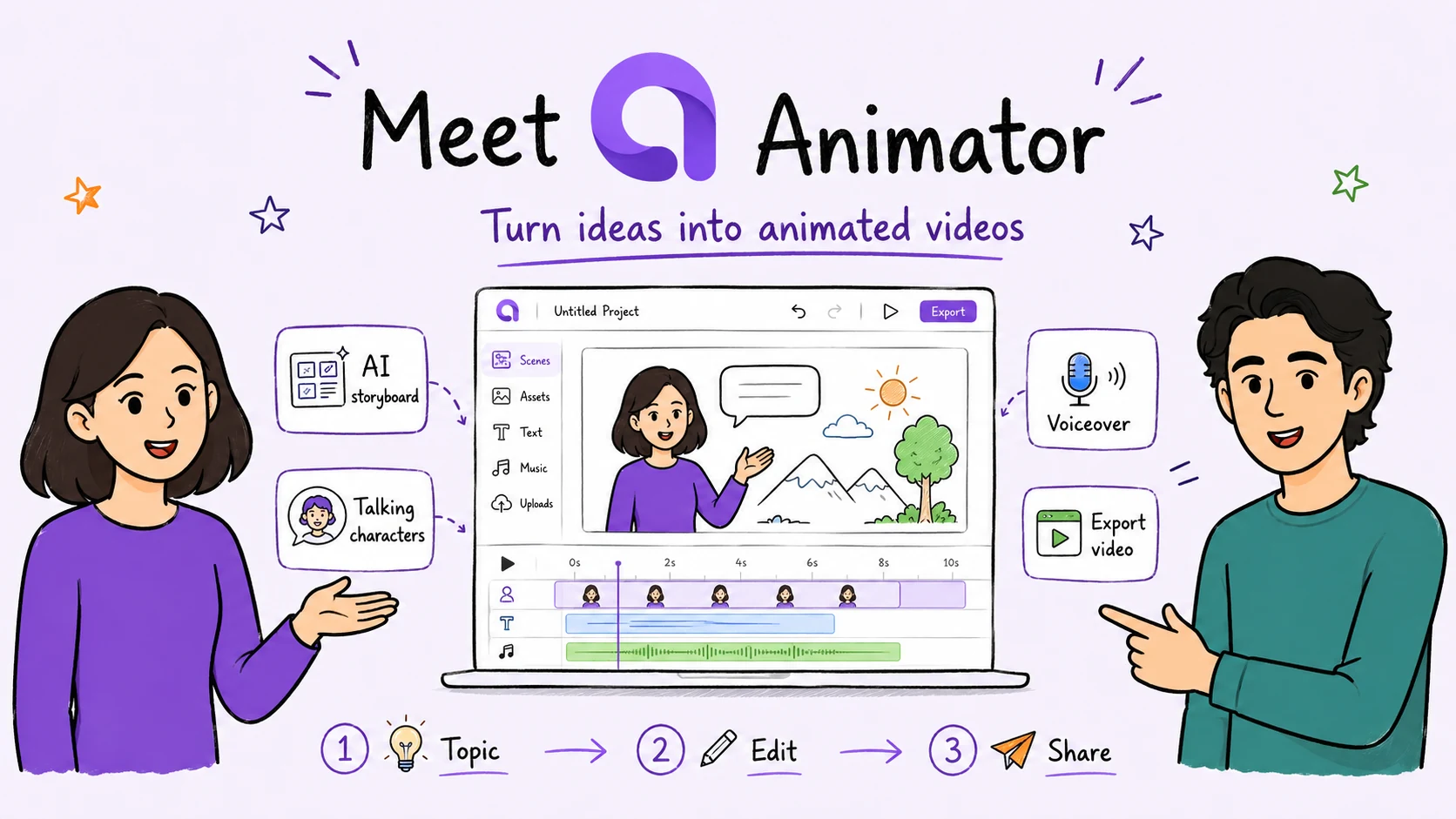
Create beautiful whiteboard animations from any topic or script with AI storyboarding, talking characters, natural voiceovers, visual assets and a complete browser-based timeline.
Free to use · Unlimited projects · No login
Desktop Chrome or Microsoft Edge required.Prompt to timeline
Start with a short prompt or a complete script. Animator builds the first draft, then places every scene, voice clip, visual and character into an editable timeline.
1 · Start with an idea
Introduce a new product: Animator
2 · Editable result

A presenter-led Animator product story with AI storyboarding, talking characters, voiceover and an editable timeline.
One connected workspace
Start with AI, keep every part editable, and finish the animation in the same browser workspace.
AnimatorAI™
AnimatorAI™ turns a topic or script into narration, visual beats, teaching images and a timed first draft.
Prompt
Lesson outline
Visual beats
Editable timeline
Talking Characters
Choose a character, preview a voice, then place the presenter directly on the whiteboard canvas.
Character
Script
Voice preview
Lip sync
Lottie Animations
Browse Lottie animations, import public URLs or upload packaged .lottie files, then edit them like any other timeline clip.
Lottie library
Public URL
Preview
Timeline clip
Images
Bring images onto the canvas, position them precisely and combine them with characters, text and narration.
Image library
Upload
Canvas placement
Draw animation
Templates
Choose a lesson, explainer or product layout and customise every visual, voice clip and timeline element.
Lesson
Explainer
Product demo
Custom template
Voice & Captions
Generate voice, edit clips, inspect waveforms and export burned-in, sidecar or embedded subtitles.
Voice
Waveform
Captions
Subtitle export
Local AI
Compatible desktop Chrome and Microsoft Edge can install Local AI for supported generation without using AnimatorAI™ Credits.
Install once
Run locally
No cloud credits
Browser workspace
Talking Characters
Choose a character, write the script, preview the voice and place the presenter directly on the canvas.
Character selection
Demo script
Timeline Editor
Move, trim, duplicate and layer every scene, voice clip and animation. Add tracks above or below the timeline and change the result without starting again.
Lesson timeline
Drag clips, scrub or play the editable sequence.
Free and Pro
Start with unlimited projects, timeline editing, Local AI and up to 720p HD export. Upgrade to Pro to record your screen, export in Full HD 1920×1080, use premium assets and AnimatorAI™, and remove the Free watermark.
Free
Free forever
Start creating freePro
Lifetime launch offer
Buy nowEach licence key delivers 150 AnimatorAI™ Credits for AI-powered animations. Pro users can also add their own OpenAI API key.
One-time price is available for a limited period only.
Made for explanation
For lessons, training, onboarding and product stories that need clear visual explanation.
Creator workflows
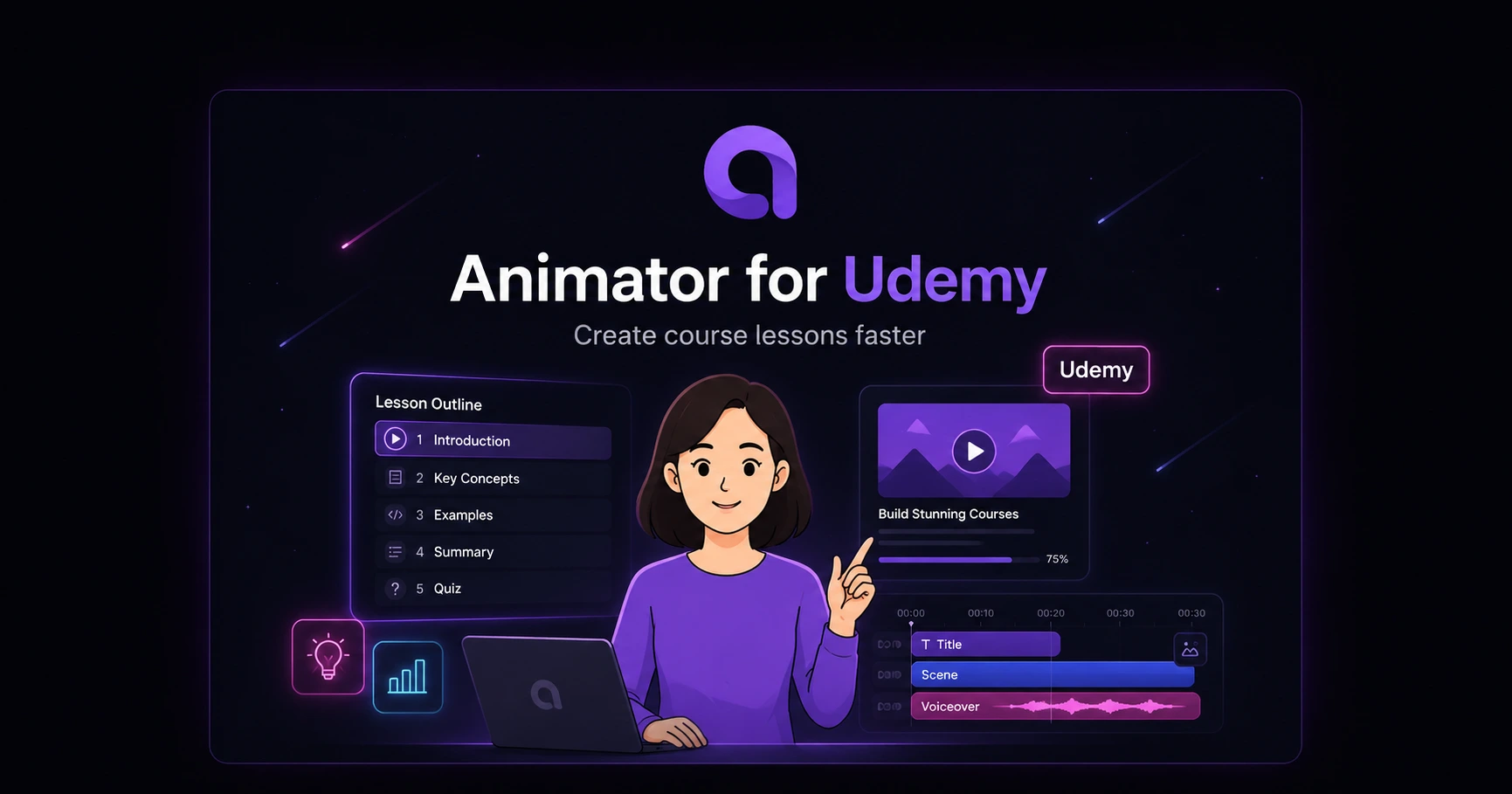
Practical guides for course and video platforms.
Questions
Animator is free to start, keeps generated scenes editable and works best in a supported desktop browser.
Read the user guideCreate the first draft with AI, then shape every scene in the timeline.
Open WorkspaceOpen Animator on a desktop or laptop using Chrome or Microsoft Edge.