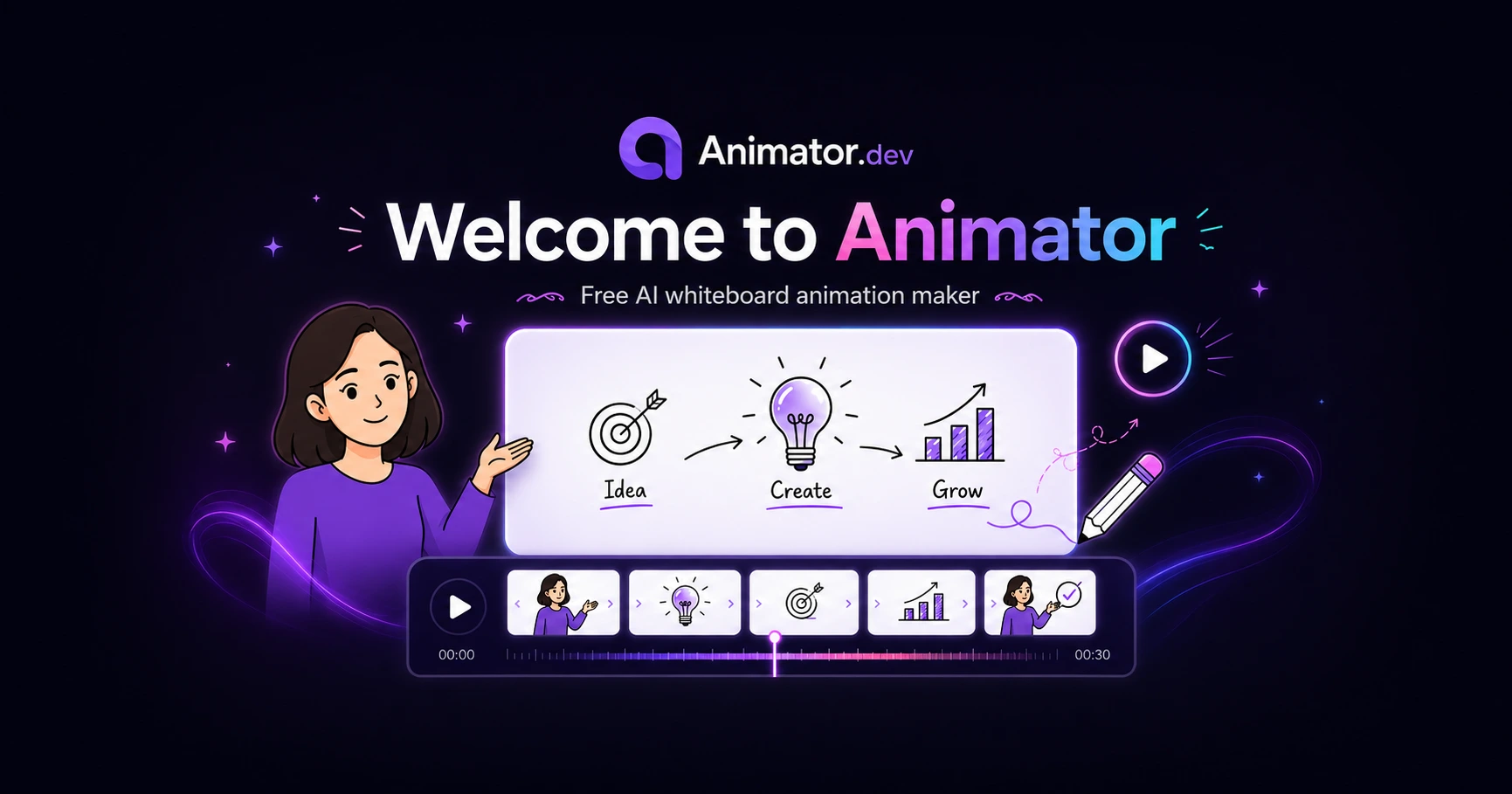
Animator was created to make animated explanations easier to produce—without forcing you to choose between complicated professional software and restrictive one-click AI video generators.
Start with an idea. Let Animator help structure it. Keep control of every scene.
What is Animator?
Animator is a free, browser-based whiteboard animation maker for creating educational lessons, software tutorials, product demonstrations, training videos, animated explainers and social content.
You can begin with a topic, a script, your own media or a blank project. AnimatorAI™ can help organise your material into narrated visual scenes, while the result remains available on a complete editable timeline.
That means you can rewrite the narration, replace images, change characters, move clips, adjust timing and refine every scene instead of accepting a locked generated video.
Start with any idea
Open Animator, enter a topic or script, and turn it into an editable animated project directly in your browser.
Open AnimatorAI assistance without giving up creative control
AnimatorAI™ helps with storyboarding, narration structure, scene planning, cover visuals, key teaching points and talking-character presentation.
But AI is only the starting point. Animator keeps the creative controls visible:
- Text remains editable.
- Timing remains editable.
- Images can be replaced.
- Narration can be rewritten.
- Characters can be changed.
- Timeline elements can be moved, trimmed and layered.
This balance is what makes Animator a practical free AI whiteboard animation maker rather than a one-click result you cannot properly revise.
Everything you need to turn an idea into an animated video
AI-assisted storyboarding
Turn a lesson, topic or script into an organised video structure with narration and visual beats.
Talking characters
Add presenters with narration, lip sync, blinking, gaze and natural movement.
Animated handwriting
Draw titles, equations, teaching points and explanations onto the canvas using configurable hands.
Natural narration
Generate voiceovers, record audio or import an existing narration track.
Visual assets
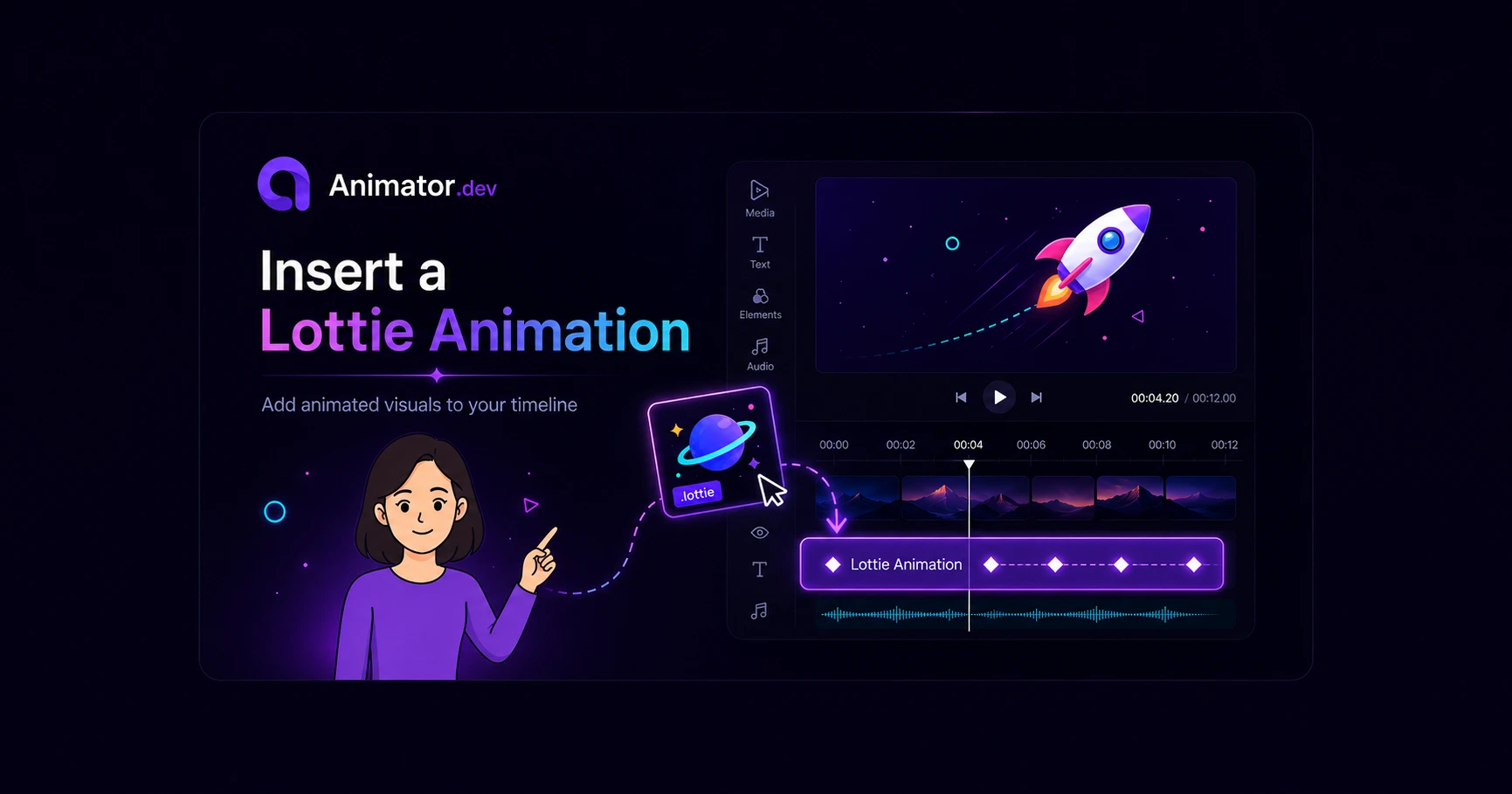
Use images, stock SVGs, Lottie animations, characters, templates and your own media.
Complete timeline editing
Control narration, visuals, characters, audio, animation and timing through a multi-track timeline.
Browser-based creation
Create projects in a supported desktop browser without installing a heavyweight traditional video editor.
Video export
Export finished animated lessons, demonstrations, explainers and product stories.
Made for people with something to explain
Animator is designed for teachers creating visual lessons, students explaining assignments, trainers developing instructional content, software creators producing technical tutorials, small businesses introducing products and creators publishing educational videos.
The goal is simple: make it easier to communicate an idea clearly and visually.
Start free and upgrade when you need more
Animator Free includes the browser-based editor, unlimited local projects, core editing tools and video export with a small Animator watermark.
Animator Pro removes the watermark and adds Pro visual assets, 150 AnimatorAI™ Credits and the other Pro capabilities shown on the pricing page.
You can start creating without committing to a traditional subscription-based video editor.
Built on an open-source foundation
Animator is based on FreeCut, an open-source browser video editor that provides part of the project’s timeline and browser-rendering foundation.
Animator is an independent project that extends this foundation with whiteboard animation, AnimatorAI™, talking characters, handwriting workflows, lesson generation, specialised templates and visual asset libraries. This relationship does not imply endorsement by FreeCut’s original authors.
You can read more in the licensing and reference documentation.
Built by a small team in Australia
Animator isn’t backed by big corporations—at least not yet. It’s being built by a small, passionate team from Australia who genuinely care about creating a tool we love using ourselves, and we’re excited to share it with you.
Feedback from educators, creators, trainers and small businesses directly shapes what we improve next.
What comes next
Our current direction includes better AI visual lessons, more characters and templates, optional cloud storage, project sharing, collaboration and improved mobile and tablet workflows.
These are plans rather than fixed delivery promises. You can follow the evolving direction on the Animator roadmap.
Create your first animation
Open Animator and begin with a topic, lesson or script. You can also explore the feature overview, read the getting-started guide or compare Free and Pro.
Open Animator