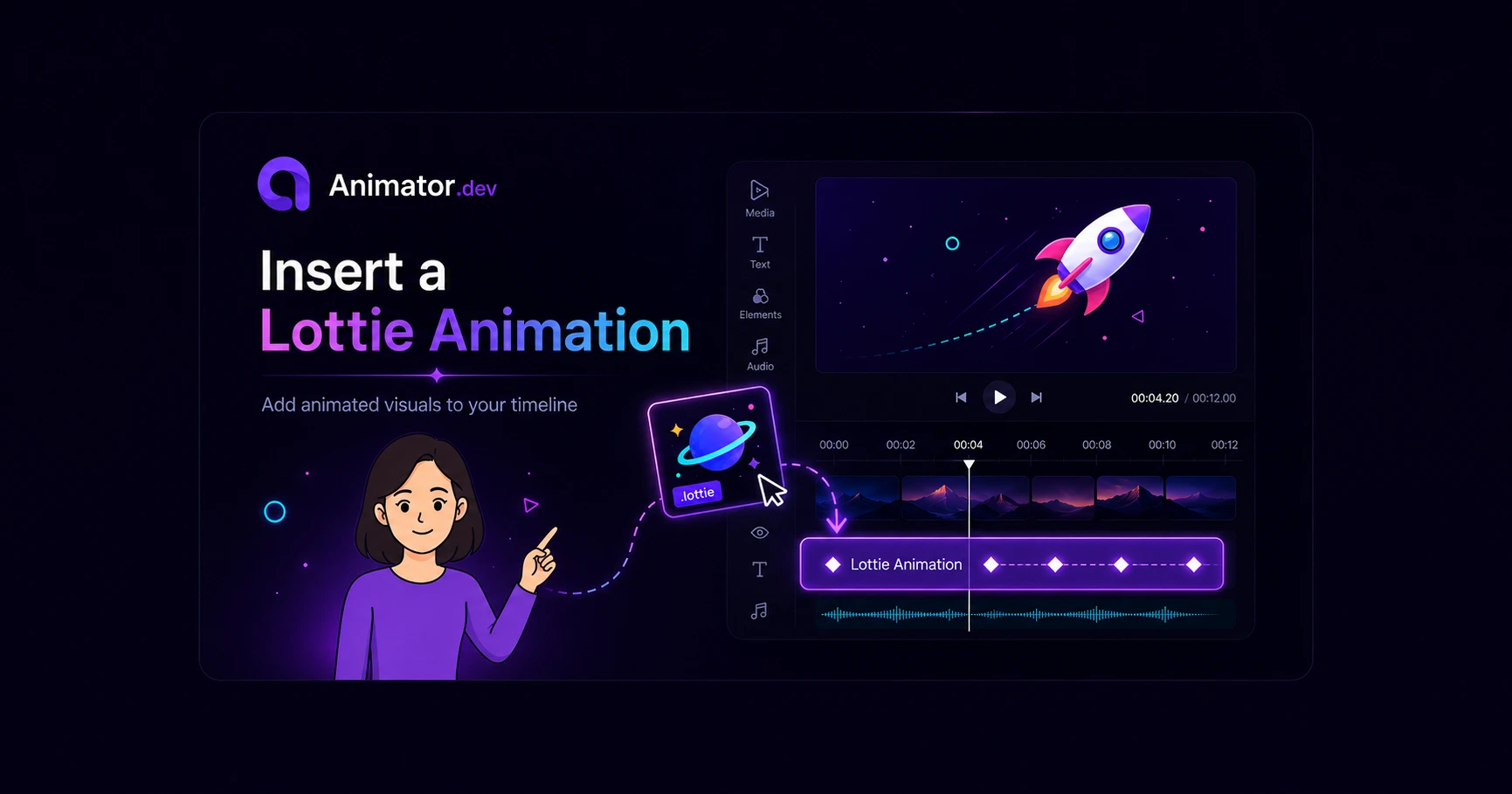
Animator can import dotLottie files from its built-in libraries or a supported public source and place them directly on the timeline.
Open the Lottie browser
Open the media panel and choose the Lottie section. You can browse Animator Free, Animator Pro and supported public Lottie sources.
Insert an animation
Select a Lottie item. Animator adds it to the media library and inserts it into the current timeline automatically.
Move it to another track
Drag the timeline item upward when you need a new track. Animator creates the track automatically, following the same behaviour as other timeline elements.
Adjust timing and placement
Resize the clip to change its duration, move it on the canvas and preview the animation before export.
Tip: Keep decorative Lottie animations short so they support the explanation without distracting from the narration.