Whiteboard animation tools now range from classic drag-and-drop doodle editors to online template systems and prompt-to-video AI generators. The best choice depends on whether you want the fastest generated result, a large scene library, a familiar desktop tool or detailed timeline control.
This guide compares Animator with VideoScribe, Doodly, Golpo AI, Renderforest, Powtoon and Animaker. The comparison focuses on workflow rather than declaring one universal winner.
Feature packaging and pricing change frequently. This article was prepared on 19 July 2026. Confirm current details on each product’s official website.
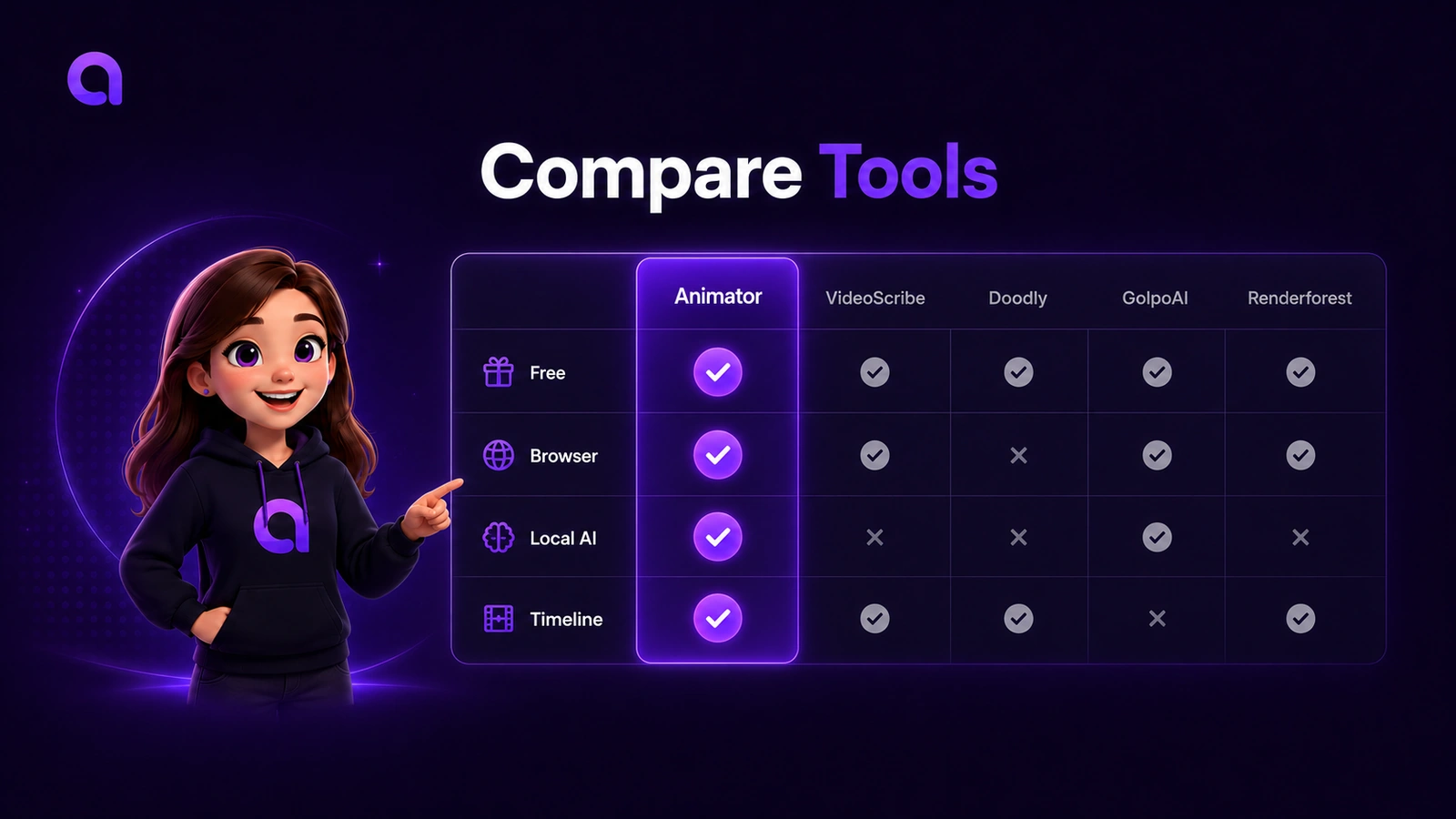
At-a-glance comparison
| Product | Main approach | Browser-first | AI starting point | Detailed editable timeline | Whiteboard focus | Free entry |
|---|---|---|---|---|---|---|
| Animator | AI-assisted whiteboard editor with Talking Characters, Local AI and multi-track timeline | Yes, desktop Chrome/Edge | Yes | Yes | Core product | Yes |
| VideoScribe | Established animated-video and whiteboard creation platform with AI tools | Check current platform options | Yes | Product-specific editing workflow | Strong | Trial/plan dependent |
| Doodly | Drag-and-drop doodle video creation within the Voomly suite | Check current product requirements | Limited compared with AI-first tools | Scene-based editing | Strong | Offer/plan dependent |
| Golpo AI | Prompt or document to generated whiteboard explainer | Yes | Core workflow | Editing availability depends on current plan/features | Core product | Free entry advertised |
| Renderforest | Online templates, scenes and AI-assisted video creation | Yes | Yes | Template/scene-oriented | Available through whiteboard toolkits | Free entry advertised |
| Powtoon | Online AI video and presentation platform with whiteboard style | Yes | Yes | Timeline/scene workflow | One of several styles | Free plan available with limits |
| Animaker | Online AI animation and video-making platform | Yes | Yes | Scene/timeline workflow | One of several animation formats | Free entry advertised |
The table is intentionally high level. “Timeline” can mean very different things across products. Animator’s timeline is designed to keep voice, captions, characters, visual clips, recordings and animations individually editable and layerable.
What makes Animator different?
Free browser-first project creation
Animator runs in a supported desktop browser and offers unlimited local projects without requiring a login. The Free plan includes the complete timeline editor, Free characters, Free Lottie animations, templates and image assets, Local AI where supported, and export up to 720p with a small watermark.
Animator Pro adds premium assets, AnimatorAI™ Credits, Full HD 1920×1080 export, screen recording and clean exports without the Free watermark.
Local unlimited AI where supported
Animator’s Local AI can run supported generation on a compatible desktop Chrome or Microsoft Edge browser without consuming hosted credits. This gives capable devices an unlimited local starting point for supported AI workflows.
AnimatorAI™ remains available for hosted AI generation through Pro credits. The two options let creators choose between local processing and the supported hosted workflow.
AI results stay editable
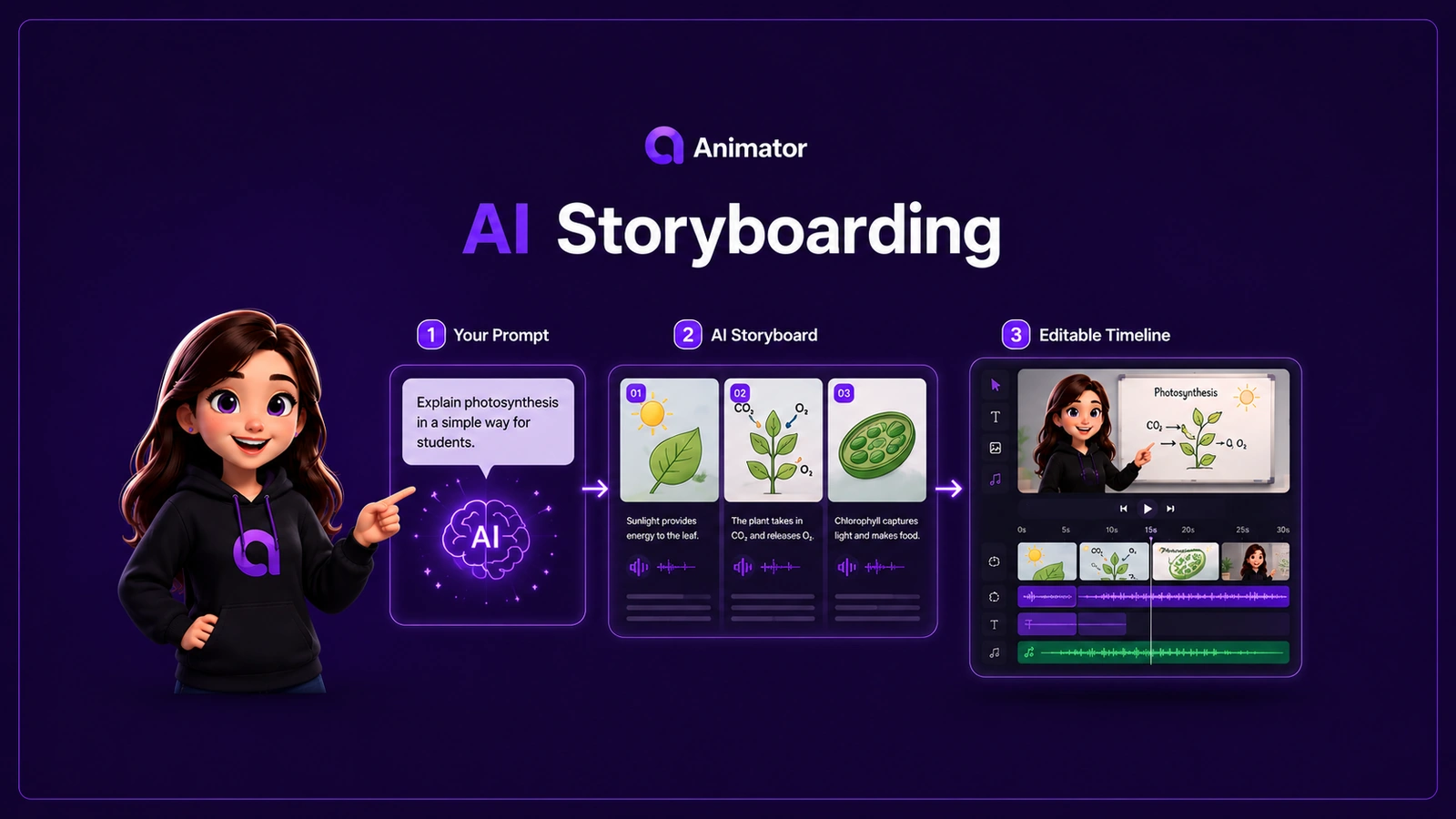
AnimatorAI™ can turn a topic or script into narration, visual beats and a timed draft. Every scene remains part of the same editor, so the creator can change the wording, replace visuals, move clips, adjust timing and refine the result.
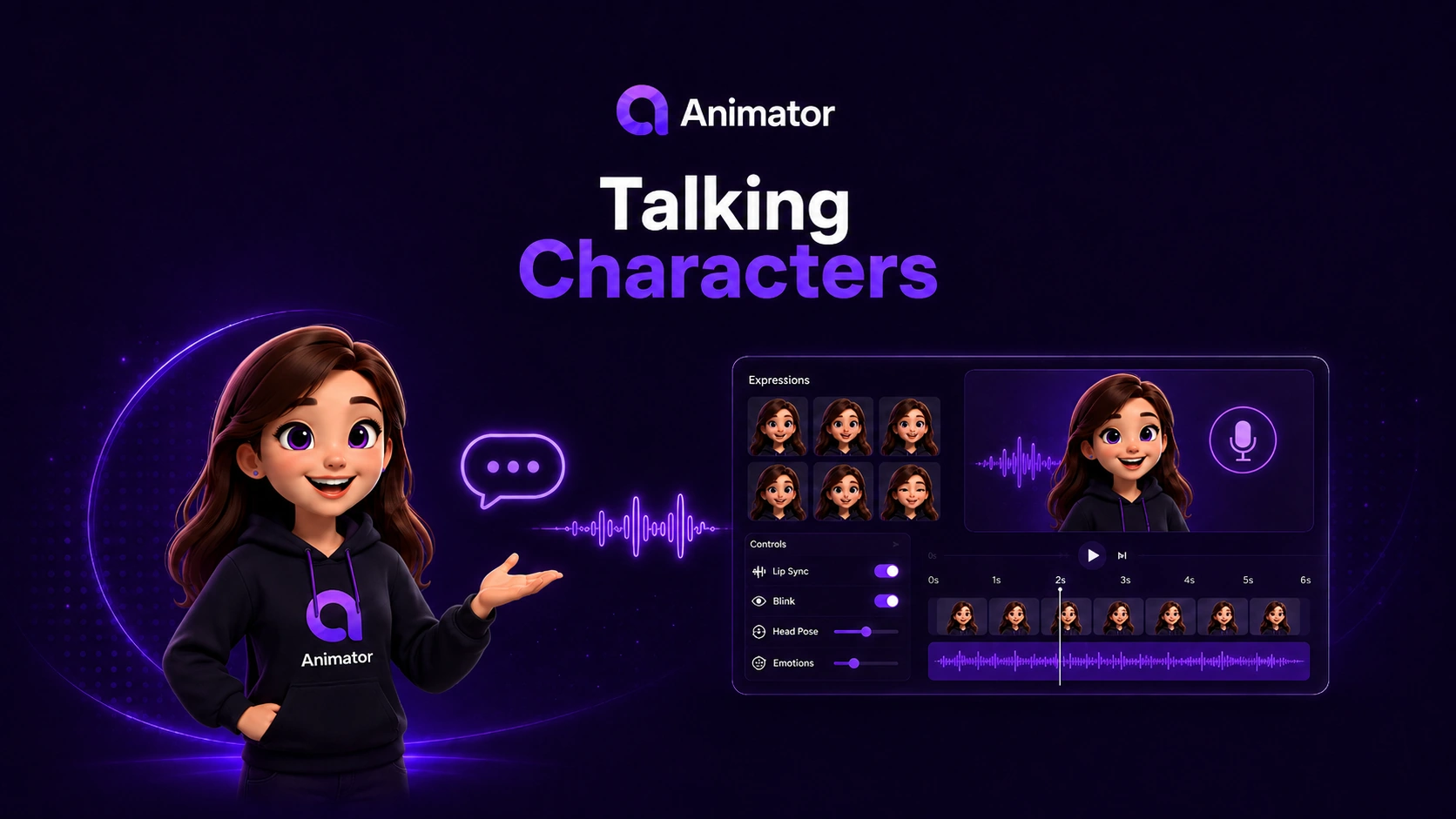
Talking Characters and screen recording
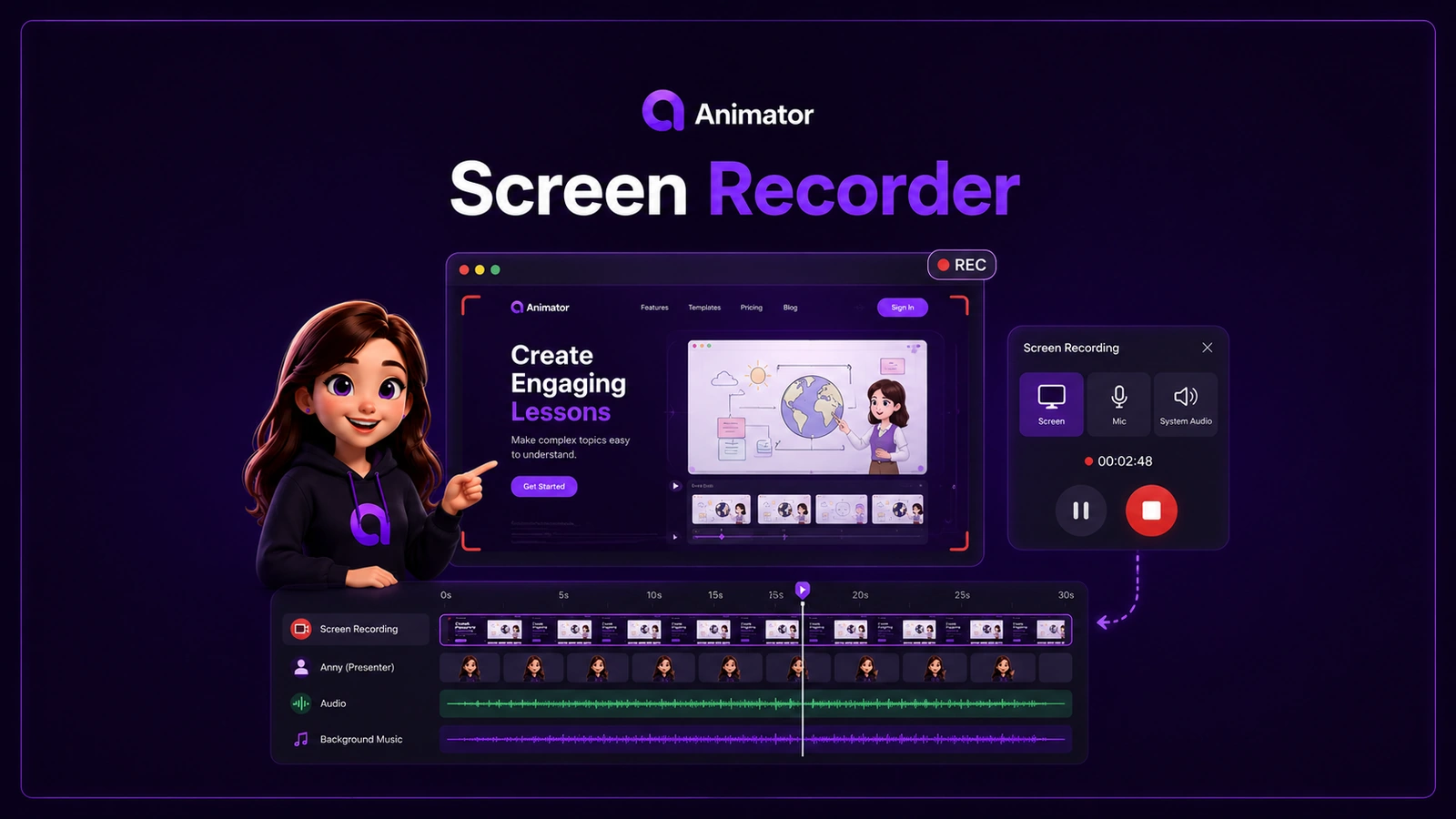
Animator can combine presenter-led scenes with whiteboard animation and browser screen recordings. This is useful for lessons and product tutorials that need both explanation and demonstration.
A multi-track whiteboard timeline
Instead of treating the project as a fixed sequence of generated frames, Animator lets you layer and time:
- handwriting and text;
- images and SVGs;
- Lottie animations;
- Talking Characters;
- voice and microphone audio;
- captions;
- imported video;
- screen recordings;
- music and sound effects.
Animator vs VideoScribe
VideoScribe is one of the best-known names in whiteboard animation and promotes easy animated video creation with AI tools. It can be a strong choice for people who want an established whiteboard-focused product and its existing content workflow.
Animator is a compelling alternative when browser-first creation, editable AI storyboards, Local AI, Talking Characters and an integrated multi-track timeline are priorities.
Choose based on whether you prefer VideoScribe’s established product workflow or Animator’s free browser-first editing model.
Animator vs Doodly
Doodly is known for drag-and-drop doodle video creation and a library-driven workflow. It is part of the wider Voomly Cloud suite.
Animator goes beyond a traditional doodle-scene builder by combining AI storyboarding, timeline layering, character narration, screen recording, captions and local project storage in the browser.
Doodly may appeal to creators who already know its asset and scene workflow. Animator may appeal to creators who want to mix classic whiteboard animation with more advanced video-editing concepts.
Animator vs Golpo AI
Golpo AI focuses on turning a prompt, script or document into a generated whiteboard explainer quickly. That can be attractive when speed and automation are the main priorities.
Animator’s emphasis is slightly different: use AI to create the first draft, then continue editing every part on the timeline. It is designed for creators who expect to revise narration, swap visuals, adjust exact timing and combine generated scenes with their own recordings and media.
Golpo AI may be a fit for a rapid prompt-to-explainer workflow. Animator may be a fit when the production needs ongoing manual control.
Animator vs Renderforest
Renderforest offers a broad online creative platform with whiteboard animation toolkits, editable scenes, templates and other design products. It is useful when you want a large template-oriented ecosystem covering more than whiteboard video.
Animator is more specialised. Its core experience is an editable whiteboard animation workspace with AI storyboarding, Talking Characters, Local AI and timeline-based control.
Choose Renderforest for its broad template ecosystem. Choose Animator for a focused browser-based whiteboard editor with deeper timeline involvement.
Animator vs Powtoon
Powtoon is a broad online video platform for presentations, animations and several visual styles, including whiteboard. It offers team and business-oriented plans as well as AI capabilities.
Animator is narrower by design. It focuses on visual explanation through whiteboard scenes, handwriting, presenter characters, narration and a connected timeline.
Powtoon may suit teams wanting one general platform for multiple corporate video and presentation styles. Animator may suit creators who specifically want detailed whiteboard lessons and explainers.
Animator vs Animaker
Animaker is an online AI-powered animation maker with a wide range of animated-video formats and assets. It can be a good option for creators who want broad character-animation and social-video capabilities.
Animator focuses more specifically on whiteboard explanations and education-oriented storytelling. Its timeline, Local AI option, handwritten elements and editable storyboard structure are designed around making ideas easier to understand.
Animaker may be stronger for broad animation variety. Animator may be stronger for focused whiteboard teaching and technical explanation.
Which tool should you choose?
Choose Animator when you want:
- a free browser-first whiteboard editor;
- unlimited local projects;
- supported Local AI without hosted credit use;
- editable AI storyboards;
- Talking Characters;
- screen recording inside the same workflow;
- detailed multi-track timeline control;
- a tool designed for lessons, training, tutorials and product stories.
Consider another tool when you want:
- a specific competitor’s established asset ecosystem;
- a one-click generated whiteboard result with minimal editing;
- a broad all-purpose animation or corporate presentation platform;
- organisation-specific integrations or enterprise features;
- a particular desktop workflow your team already uses.
The practical test
Before committing to a tool, create the same 30-second project in two or three products. Test whether you can:
- change one narration sentence;
- replace one visual;
- adjust one scene by two seconds;
- add your own media;
- export at the quality you need;
- reopen the project and revise it later.
The best whiteboard animation maker is not only the one that creates the first draft fastest. It is the one that still works when the draft needs correction.
Open Animator and test the complete browser-based timeline with a real lesson or product idea.